How can I send models directly to multiple DCC software from Meshy?
Select your model from the Workspace, then click the following button to see the pop-up:
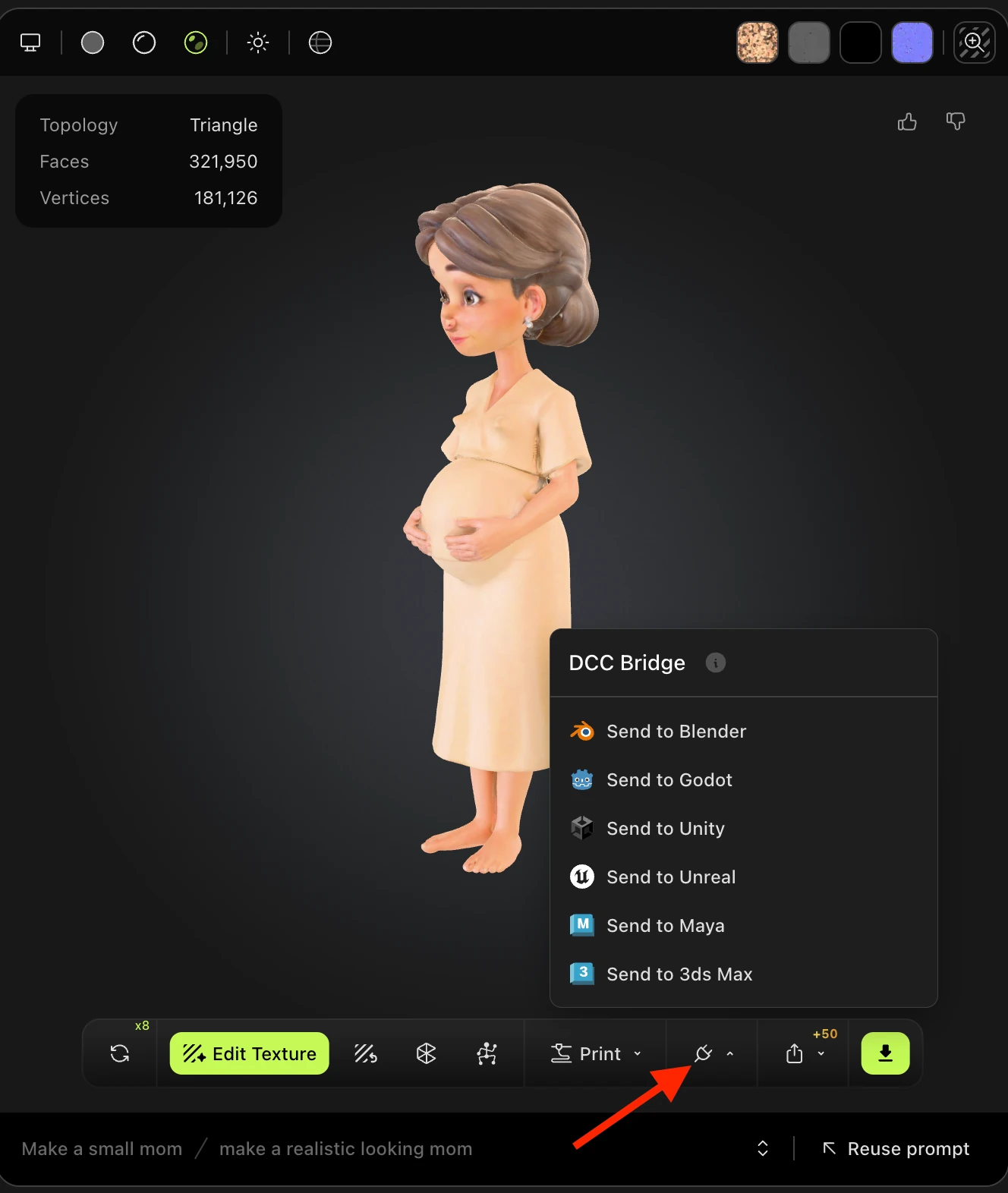
From there, you will see the various third-party software options to send to via DCC Bridge.
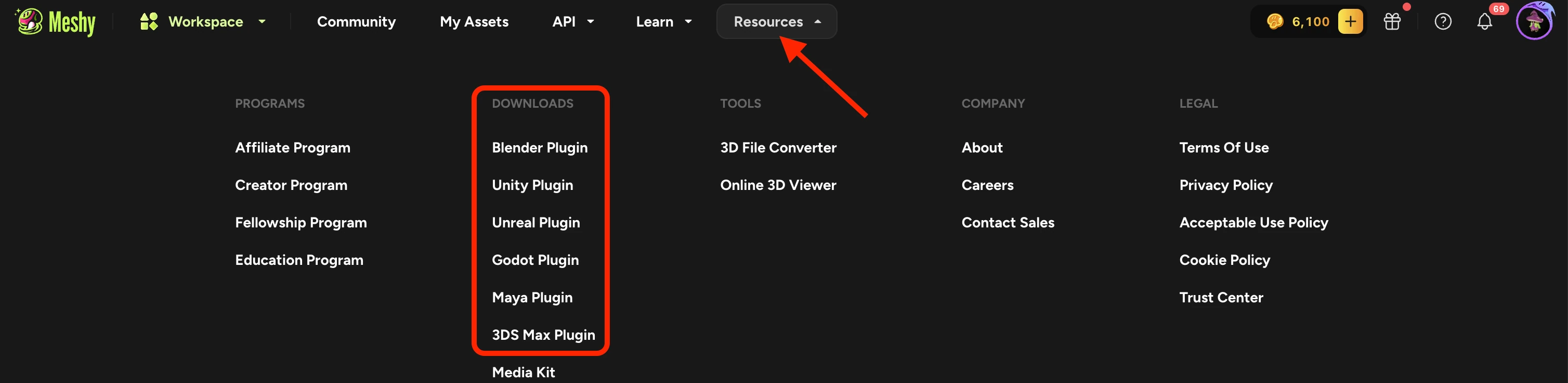
Please note: you must have the plugin downloaded first in order to send models successfully to any of the aforementioned software. Click "Resources" in the UI, to see the following drop-down with the plugin links: