
How do I check my credits history?
-
Log in to your Meshy account at meshy.ai.
-
Click on your profile icon in the top-right corner.
-
Go to Settings → Subscription.
-
Scroll down and select App Usage History.
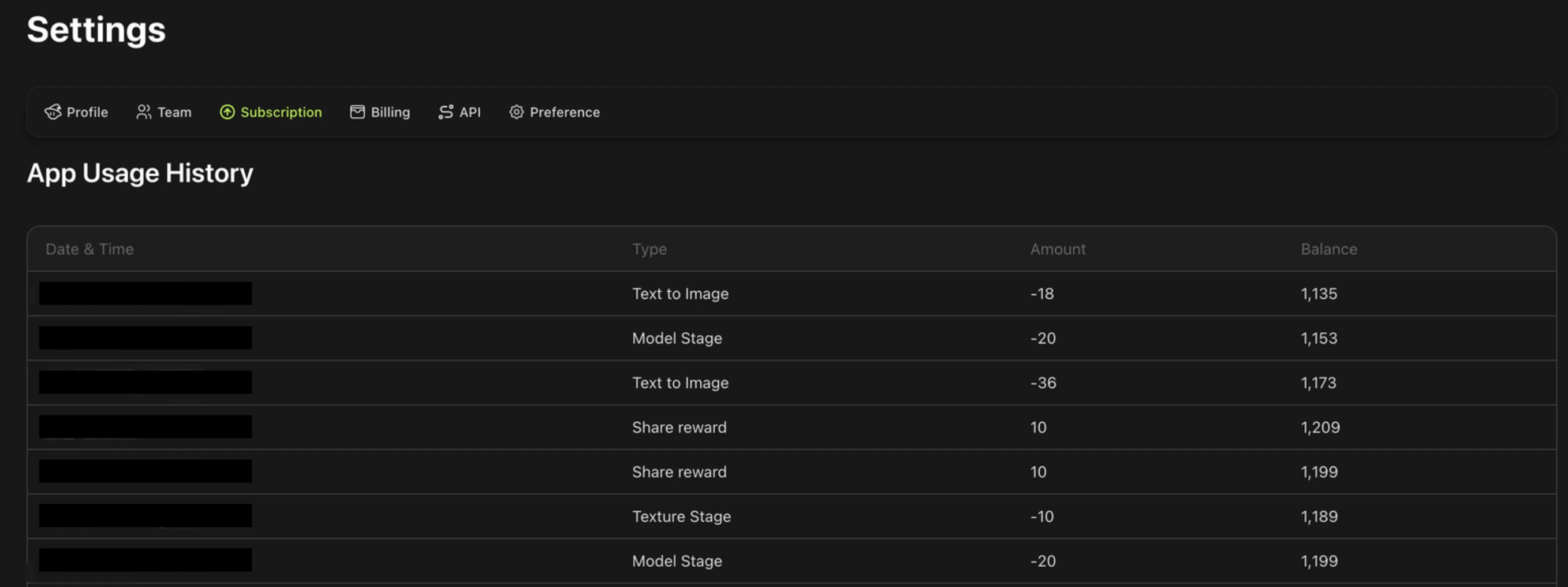
Here you will see a log of all your generation tasks, including:
-
Date and time — when the task was run
-
Task type — for example, Text to Image, Image to 3D, or task fail refund
-
Amount — the number of credits deducted/awarded for that task
-
Balance — credits balance
If a task failed due to a technical error, the log will reflect that the credits were automatically returned to your account.