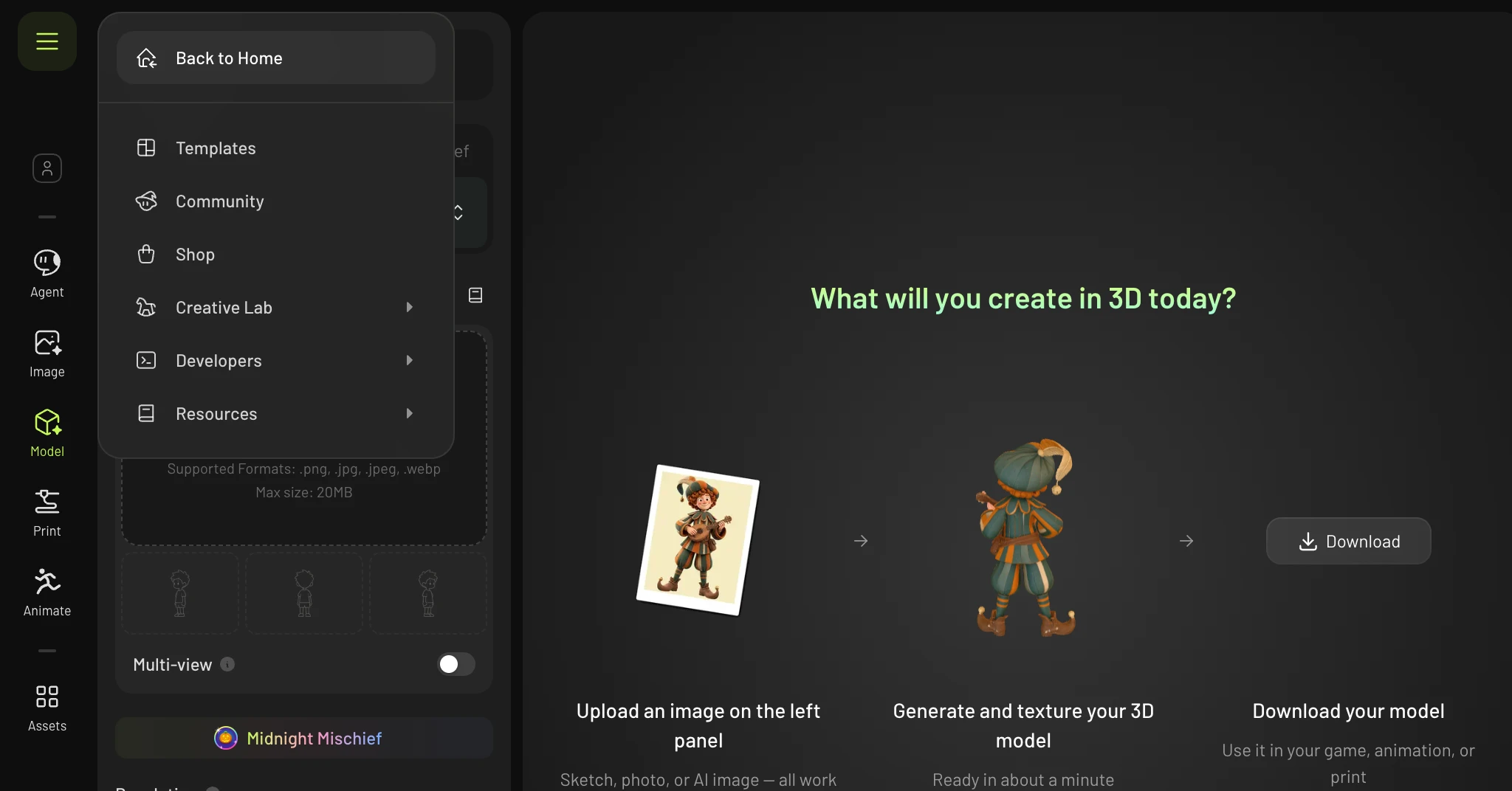
This guide shows where to find the video assets you have already generated in your Meshy Workspace, and how to found the assets when you are in Workspace.
How to Find Your Video Assets
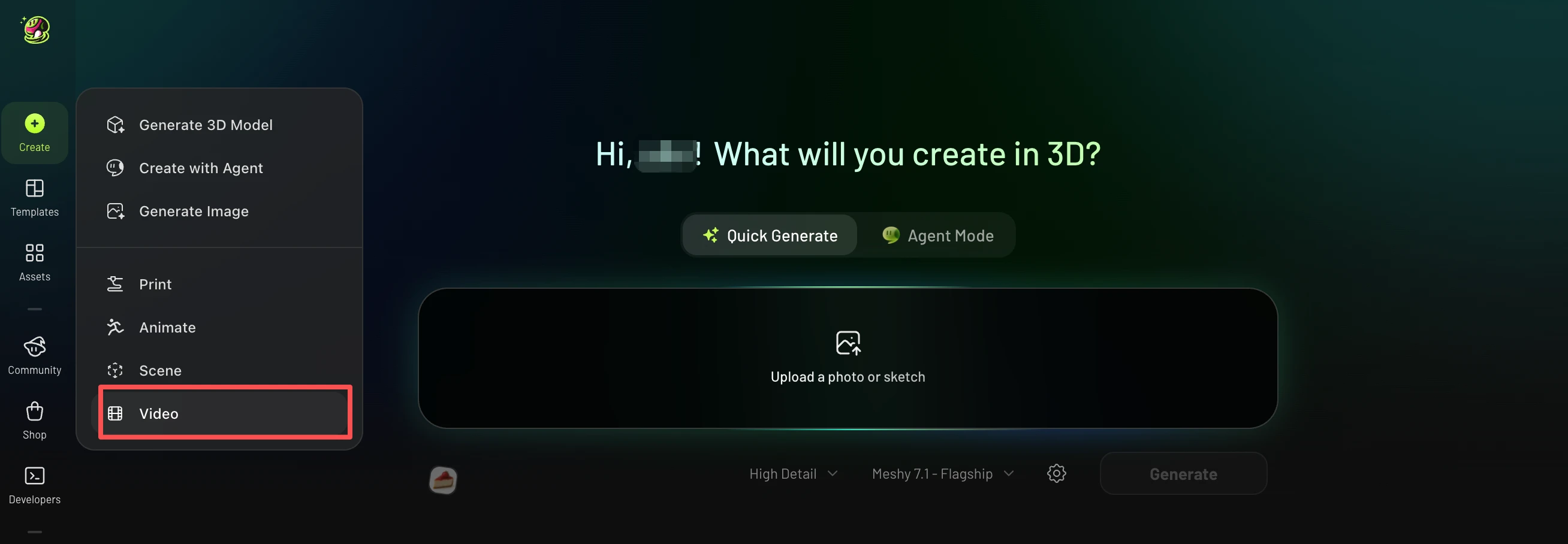
In the left sidebar of the homepage, click Create, then select Video.
Why can’t I find the video in my Workspace?
If you’re in a Workspace, you may not see the video log there. In that case, you should first hover over the avatar in the top-left corner, then click the menu icon (☰) that appears and click "Back to Home" to go to home page.