
How to change the link of my community profile?
Your community profile link is your unique URL on Meshy — for example, meshy.ai/community/yourname. Here's how to change it:
-
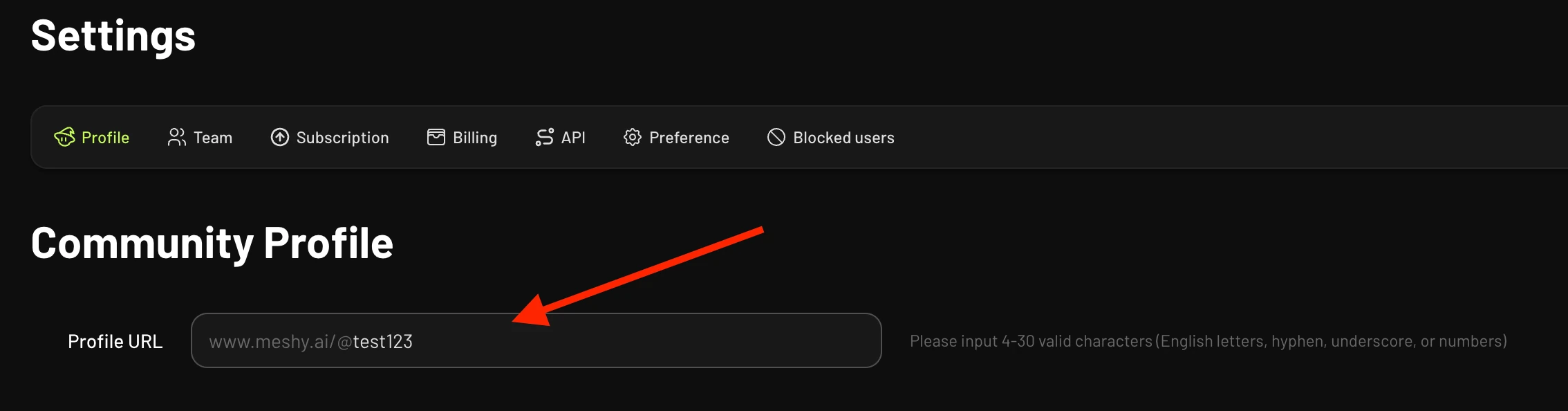
Go to Settings → Profile
-
Scroll to the Community Profile section:
-
Edit the Profile URL field
-
Save your changes
Tips:
-
URLs must be unique — if the one you want is taken, you'll be prompted to choose another
-
Your old URL will no longer work after the change, so update any links you've shared