
Reset on the login screen
If you've forgotten your login password, you can reset it on the login screen following the steps:
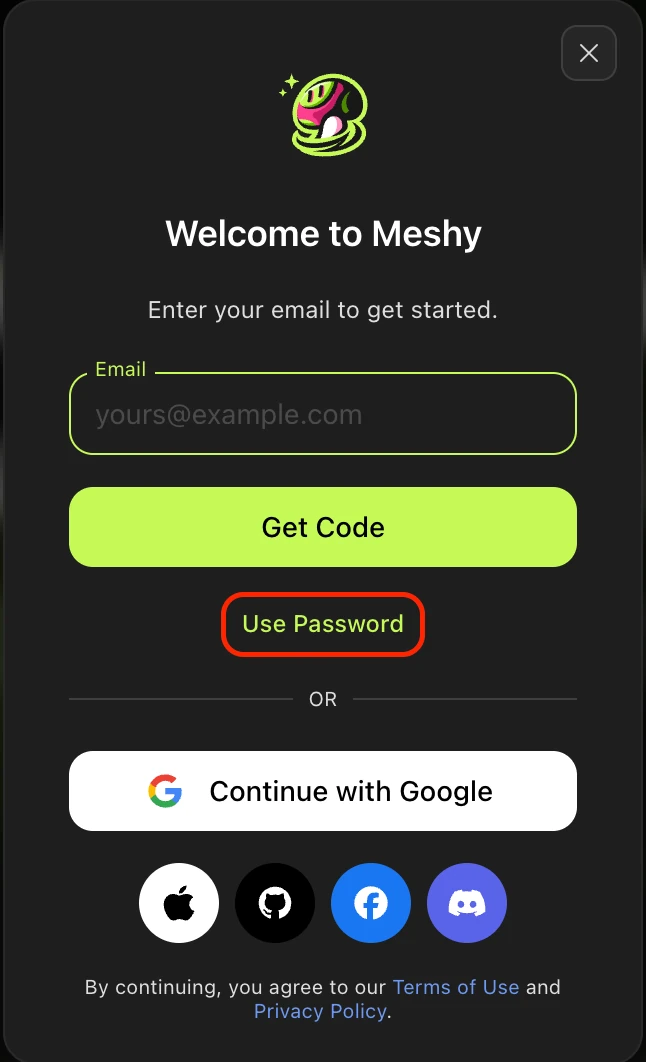
1.On the login screen, click on "Use Password":
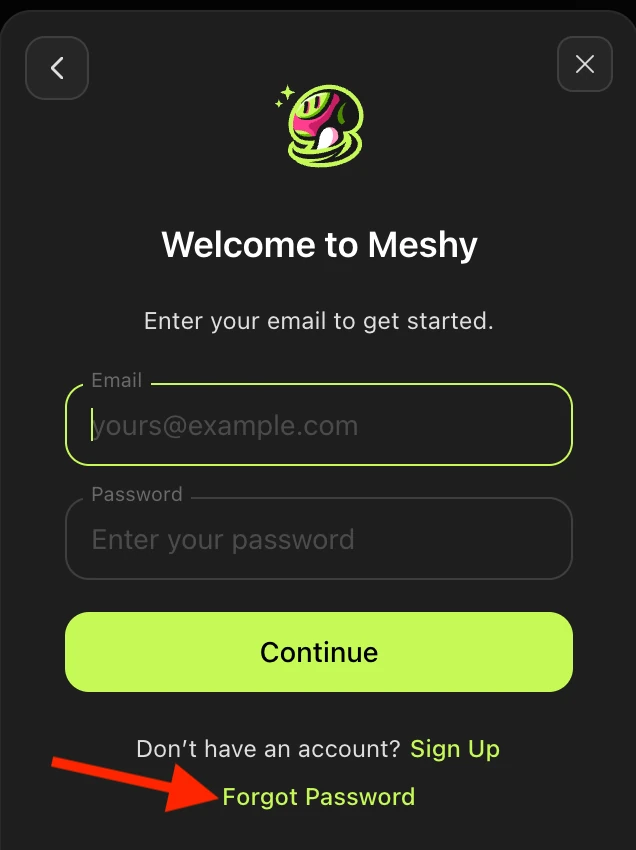
2.Click on "Forgot Password":
3. Enter your email on file with Meshy in the text prompt below:
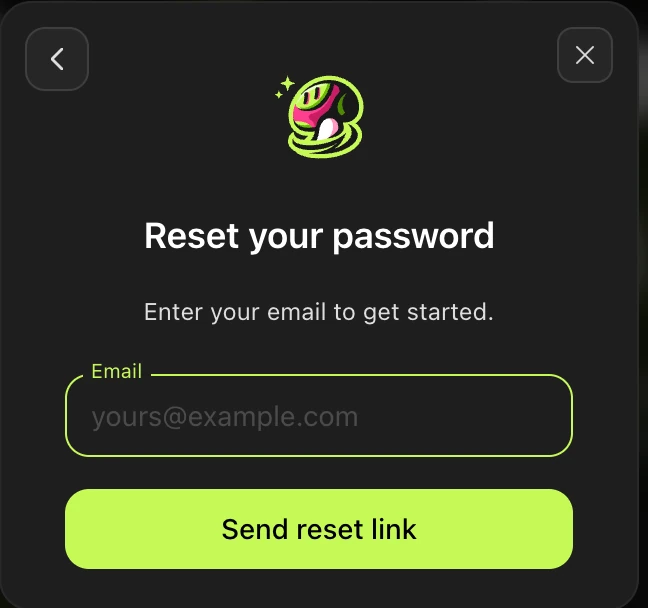
4.Click "Send reset link". An email will be sent to you with a reset link that will expire in one hour from being requested.
In the link, you'll get this prompt:
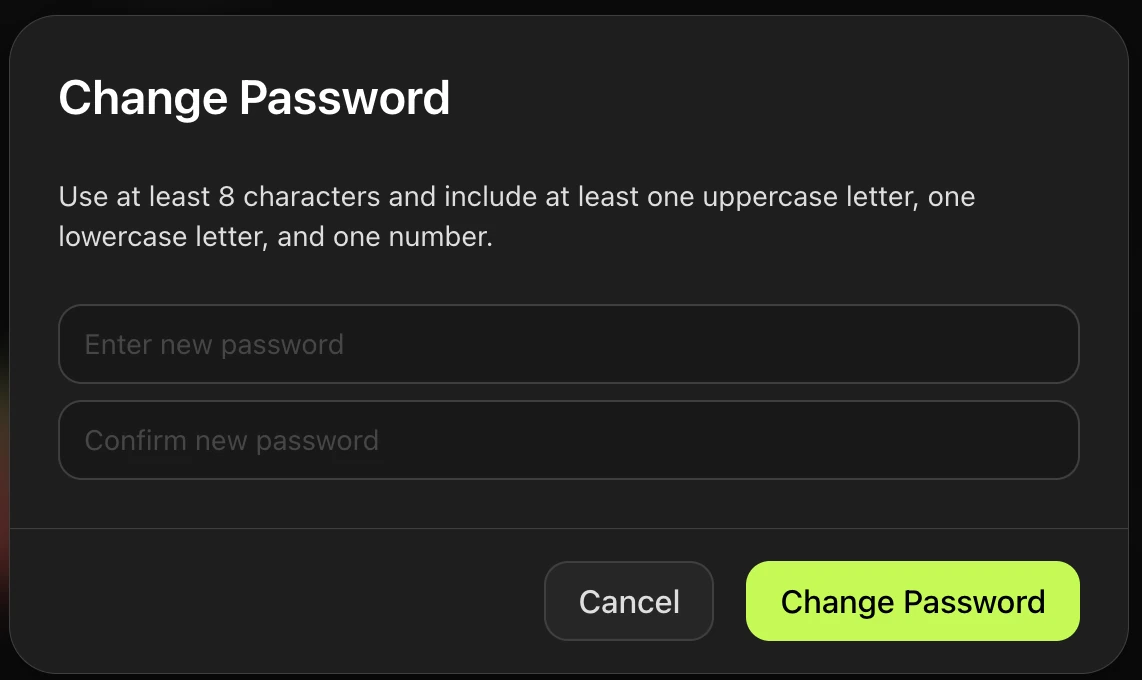
From there, enter in your new password, and click "Change Password". And with that, you can continue logging in with your new password.
Reset on the settings page
If you would like to change your password after signing in, this is the simplest way to reset your password.
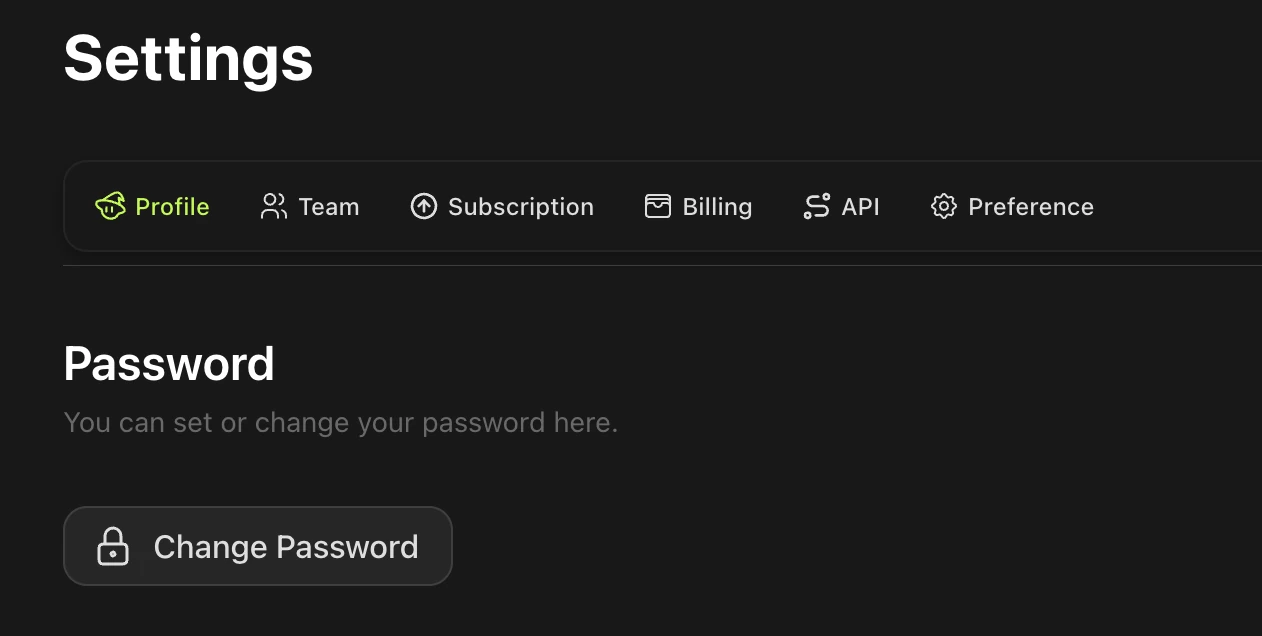
1.click the Avatar in the upper right corner, go to Settings → Profile
2.In the Password section, click Change Password
3.Enter the new password and confirm it
Note: if you are having issues getting a password reset link, contact support@meshy.ai and we can assist further.