
How auto recharge works
Available for Studio and Enterprise plans.
When your credit balance reaches a low threshold, the system automatically purchases additional credits.
The recharge amount and payment method follow your existing billing setup.
Benefits
No interruptions: Your API calls and web app usage continue without downtime.
Hands-free billing: No need to manually buy credits each time.
Predictable usage: You can control how credits are recharged based on your plan.
How to enable
Go to your Billing Settings page.
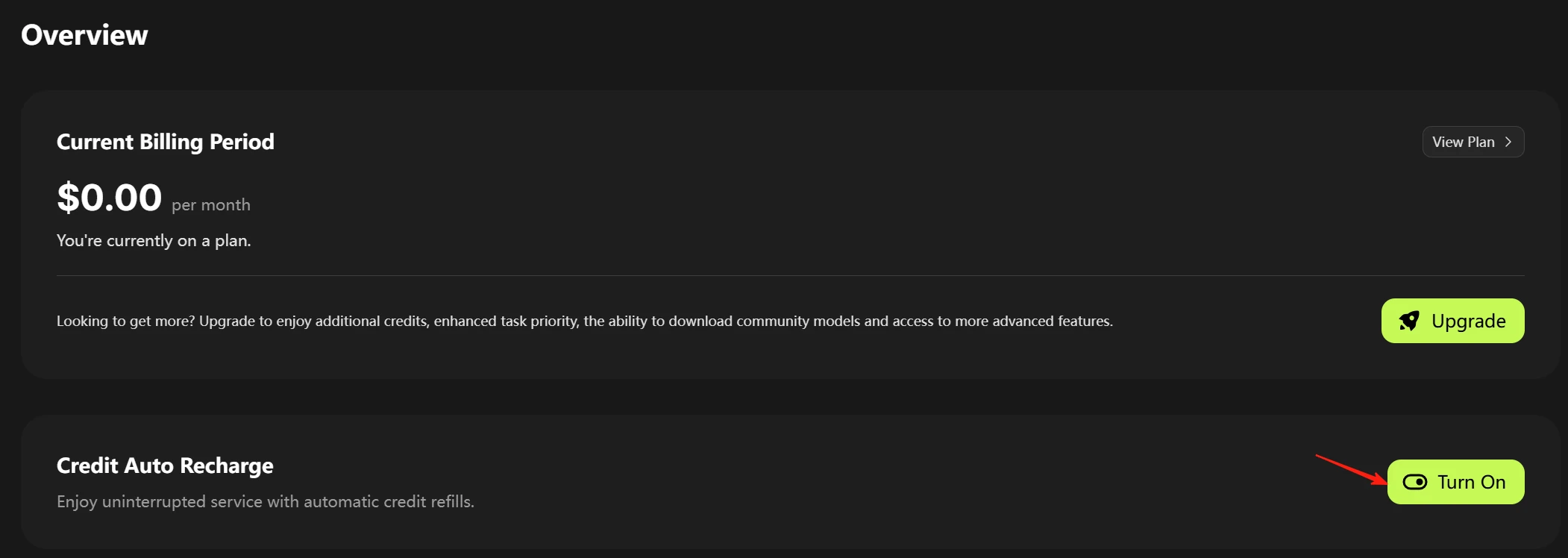
Under Overview, find the Credit Auto Recharge option.
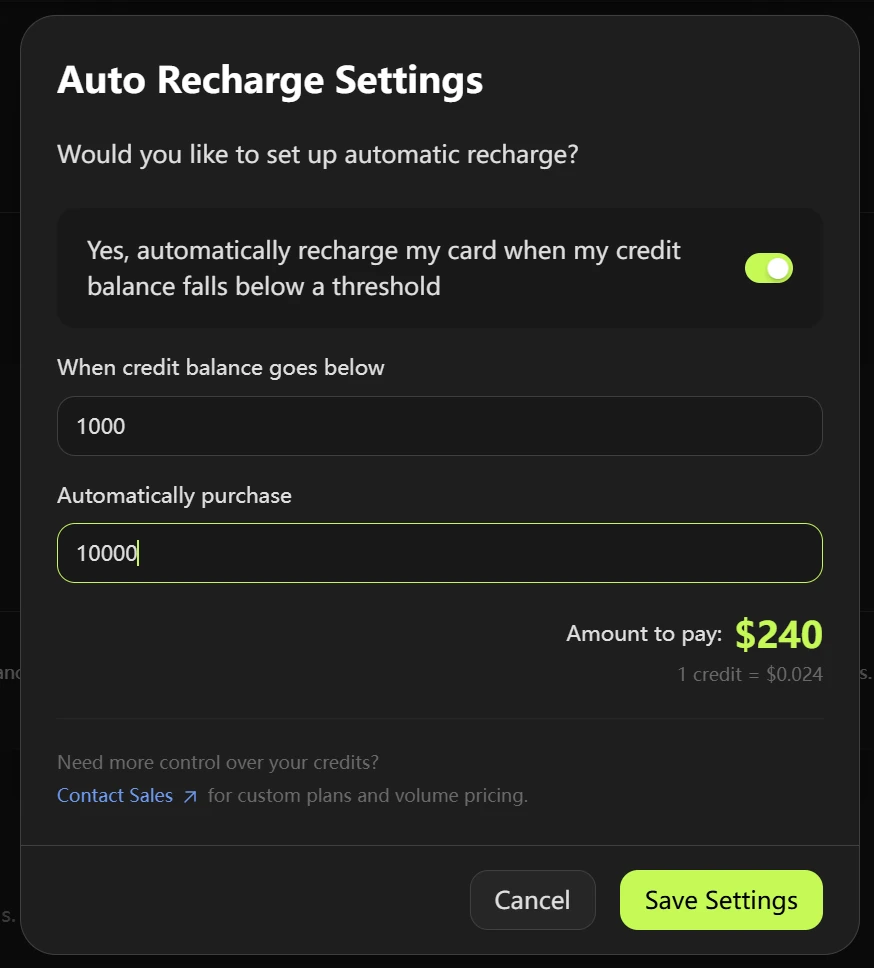
Toggle the switch to Enable Auto Recharge.
Confirm your payment method and save changes.
That's it! Once enabled, your credits will automatically recharge whenever your balance runs low.